

- Use-case guidance
- Workspace integration
- Training for teams
Google NotebookLM: An impressive AI-based research and note-taking assistant
A partner in research and thinking, built on the information you trust, and made with the latest Gemini models.
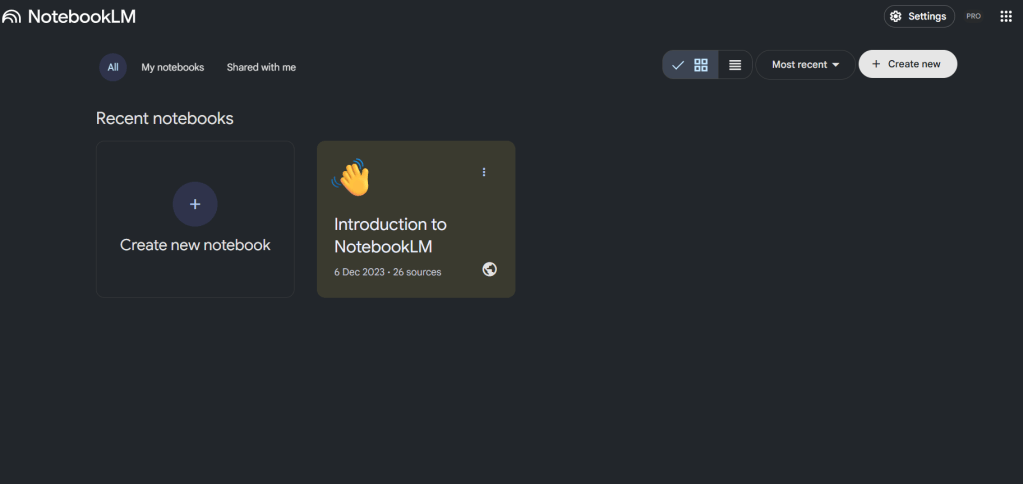
Your AI-based research partner
Create useful notebooks that combine digital sources and online information to draw meaningful conclusions. Based on your sources, NotebookLM can generate answers that support research and the creation of reports and summaries.
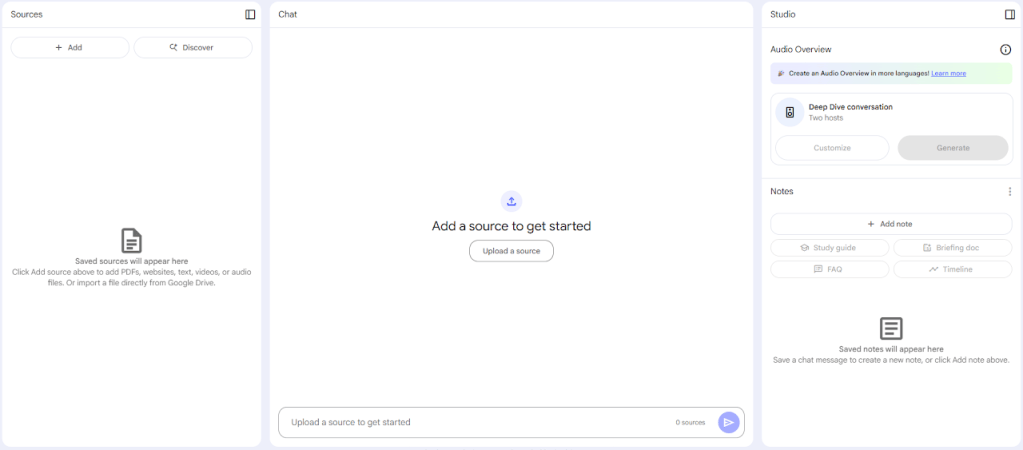
About NotebookLM
Would you like to supercharge your note-taking habits? Google NotebookLM is an AI-driven tool designed to revolutionize the way you take, organize and manage notes. In this guide, we walk you through the basics of using NotebookLM and explore five innovative methods to increase productivity and efficiency.
How does it differ from the Google Gemini app?
NotebookLM organizes notebooks around selected sources with source-grounded responses and citations. The Gemini app also accepts uploaded files. NotebookLM can generate Audio Overviews based on multiple sources. Standard access supports up to 50 sources per notebook; higher limits depend on the current plan.
Getting started with Google NotebookLM
Access requires an eligible Google account and depends on age, region and organization administrator settings. NotebookLM offers standard access and higher limits or features through eligible Google Workspace or Google AI plans. Both use Gemini models.
Signing in to Google NotebookLM
Simply visit https://notebooklm.google.com to launch the application in your browser.
Setting up the notebook
After signing in, you can create a new notebook and add various sources, including:
- PDFs
- Markdown files
- Audio files
- Google Docs and Slides
- Websites and YouTube videos
- Copied text
Standard access supports up to 50 sources per notebook; higher limits depend on the current plan. Notebooks help organize your knowledge. The interface enables seamless communication with your sources, providing AI-generated analyses and recommendations based on your content.
Five ways to use Google NotebookLM
1. Journaling and emotional reflection
If you keep a daily journal, NotebookLM can help analyze and summarize your emotions. By uploading multiple journal entries, the AI extracts key themes and emotional patterns, helping you gain deeper insight into your thoughts. You can even create AI-driven conversations or podcasts that reflect on your journal entries for an interactive self-reflection experience.
2. Resume analysis and career planning
Convert your LinkedIn profile to PDF format and upload it to NotebookLM to get AI-driven career analysis. You can ask questions such as: "What possible career moves should I consider?" The AI analyzes your experience and suggests career development strategies. In addition, the podcast feature can simulate an interactive conversation about how to enhance your professional presence.
3. Combining travel and language learning
For those looking for new destinations, NotebookLM can combine travel guides with language learning materials. For example, if you are heading to the Italian Grand Prix in Monza, you can upload a travel guide and a beginner Italian course. The AI extracts relevant phrases and cultural tips, helping you communicate effectively during your trip.
4. Study and research assistance
NotebookLM is an excellent tool for students and researchers. By uploading multiple academic sources (e.g. PDFs, research papers and YouTube lectures), you can create interactive study guides, generate quizzes, and take part in AI-driven conversations about the material. This makes learning more dynamic and engaging.
5. Optimizing business processes
If you manage a team or a business, you can improve processes by uploading documentation and training materials. For example, if your onboarding process needs improvement, NotebookLM can analyze your current workflow and make suggestions for improvements based on best practices from external sources such as YouTube videos and articles. This simplifies operations and increases efficiency.
Why should you try Google NotebookLM?
NotebookLM offers source-based research, summarization and study tools; availability and limits depend on the plan. Whether you keep a journal, plan your career, study, travel, or optimize business processes, this AI-driven tool offers enormous value.
Ready to enhance your note-taking experience? Try Google NotebookLM today and see how artificial intelligence can revolutionize the way you capture and manage information!
Tips for using NotebookLM effectively
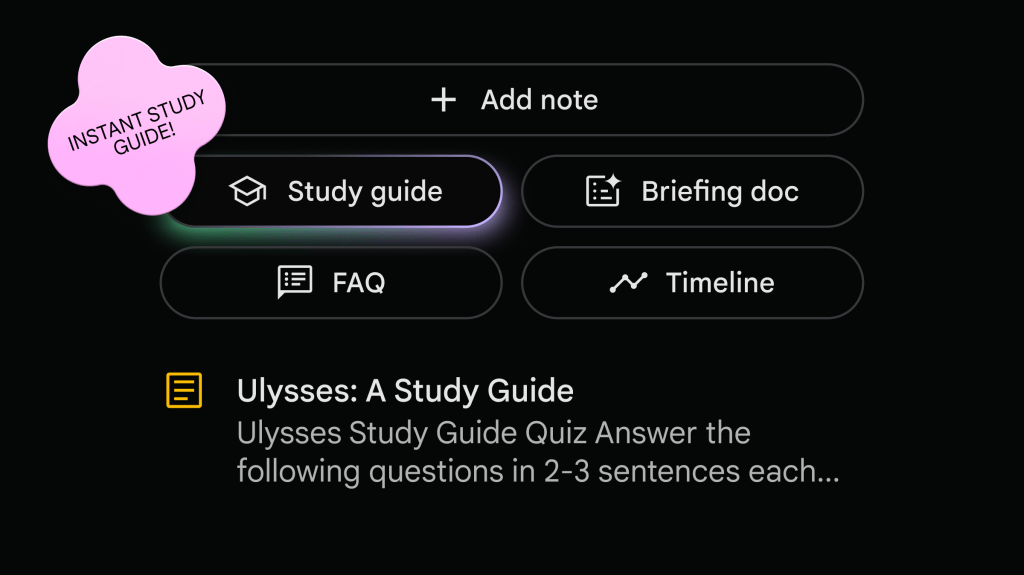
Study guides can help you prepare for exams and can create sample quizzes with answers.
Leave the traditional search method behind and instruct NotebookLM to find specific answers, concepts and conclusions.
Create a podcast so you can learn from sources that make learning more enjoyable, especially if you want a summary. This is called generating audio overviews through the notebook guide.
You can create FAQs, study guides, tables of contents, timelines and briefings.
Customize an audio piece that presents an aspect of interest to you, with the podcast format presenting the information as a dialogue. Adapt to the audience, whether they have student or expert-level knowledge.
Use suggested questions when you don't know what you should actually ask.
Identify trends and commonalities or anomalies between sources.
Uploading sources
You can upload PDFs, websites, YouTube videos, audio files, Google Docs or Google Slides, and NotebookLM summarizes them and creates interesting connections between topics — all thanks to the multimodal comprehension capabilities of Gemini models.
Instant insights
Once all sources are available, NotebookLM gets to work and becomes a personalized AI expert in the information that matters most to you.
You can see the source, not just the answer
NotebookLM provides citations and quotes from your sources to help verify its answers. AI can make mistakes; check the original sources.
Learn on the go by listening
Audio Overviews turn sources into in-depth AI-generated discussions. Interactive features depend on supported formats and devices.
How do people use NotebookLM?
> Effective learning > > Upload lecture recordings, textbook chapters and research materials. Ask NotebookLM to explain complex concepts in simple words and provide real examples, thereby promoting more accurate understanding. > > You can learn faster, with more lasting results.
> Organizing thoughts > > Upload source materials and let NotebookLM create an elaborate presentation outline that includes the most important talking points and supporting evidence. > > You can present with confidence.
> Inspiring new ideas > > You can upload brainstorming notes as well as market research and competitor research materials. You can ask NotebookLM to recognize trends, create new product ideas and discover hidden opportunities. > > You can unlock the potential in your creativity.

Let's plan your move to smarter work
Tell us about your team and goals. A Google Workspace specialist will get back to you.